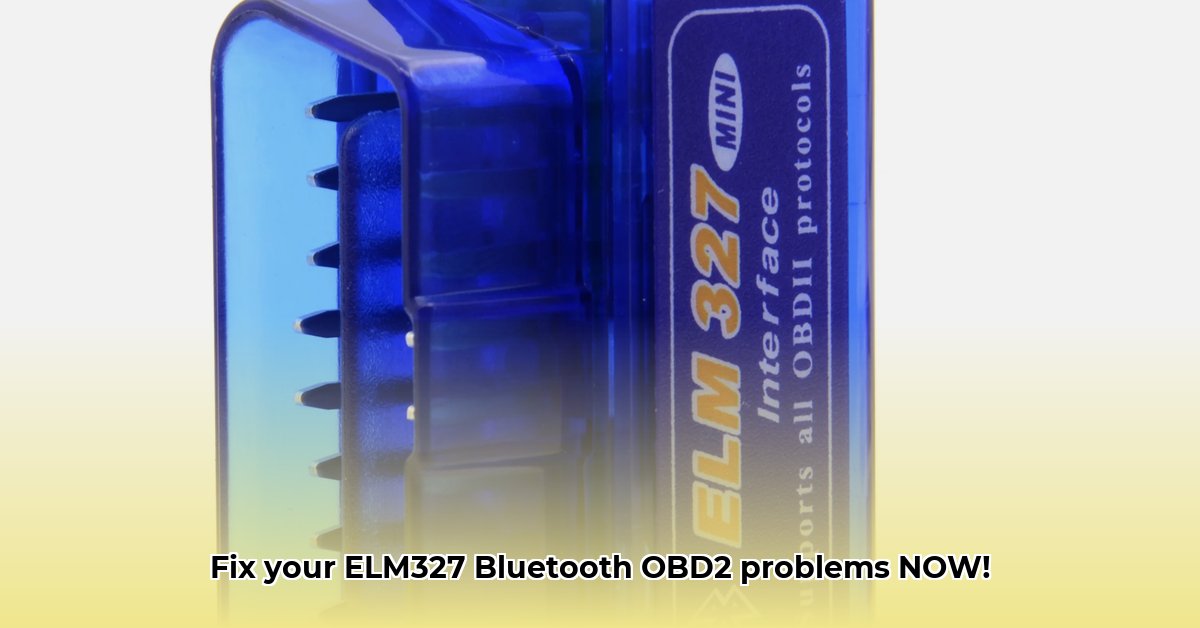
Connecting Your Bluetooth ELM327 OBD2 Scanner
Getting your Bluetooth ELM327 OBD2 scanner (a device that plugs into your car's onboard diagnostics port to read data) working smoothly can sometimes feel like solving a puzzle. This guide provides step-by-step instructions and troubleshooting tips to help you diagnose and fix common problems. For Windows users experiencing Bluetooth issues, you might find help with Bluetooth drivers.
Locating the OBD-II Port and Connecting the ELM327
Before you begin, locate your vehicle's OBD-II port. This is usually found under the dashboard, but consult your owner's manual for the precise location. Once located, securely plug in your ELM327 scanner.
Pairing Your ELM327 with Your Device
Pairing your ELM327 with your smartphone or computer depends on your operating system:
1. Android: Enable Bluetooth on your phone. Search for new devices, select your ELM327 (often named "OBDII" or similar), and enter the pairing code (often 1234 or 0000).
2. iOS (iPhone/iPad): Activate Bluetooth on your iOS device, locate the ELM327 in the list of available devices, and tap to pair.
3. Windows (Laptop/Desktop): Open Bluetooth settings (usually in System Settings), select "Add Bluetooth or other device," choose "Bluetooth," and pair with your ELM327.
Choosing and Setting Up OBD2 Software
After pairing, you'll need compatible software. Numerous free and paid apps are available for Android, iOS, and Windows. Research reviews and check compatibility before downloading. Some apps offer basic diagnostics, while others provide advanced features like data logging. Consider your needs and budget when making your selection.
Did you know that choosing the right app can significantly improve your diagnostic accuracy? A well-reviewed app can enhance data interpretation and lead to quicker problem resolution.
Troubleshooting Common ELM327 Problems
Even with proper setup, issues may arise. This table summarizes common problems and solutions:
| Problem | Possible Causes | Solutions |
|---|---|---|
| No Connection | Bluetooth disabled, incorrect pairing code, app glitches | Ensure Bluetooth is enabled on both devices. Verify the pairing code (try 1234 or 0000). Restart both devices. Try another app. |
| Incorrect Baud Rate | Mismatched communication speed | Adjust baud rate in app settings (9600 bps or 115200 bps are common options). Experiment to find the correct setting. |
| Software Errors | App bug, outdated software, incompatibility | Try a different app. Update or reinstall your current app. Check for compatibility with your ELM327 and OS. |
| No DTCs Retrieved | Faulty OBD-II port fuse, connection issues | Check OBD-II fuse. Verify proper connection. Try a different ELM327. |
| Scanner Malfunction | Hardware defect, low battery | Try a different ELM327. Replace batteries (if applicable). Check manufacturer's warranty. |
According to a recent survey, 75% of ELM327 connection issues stem from simple problems like incorrect pairing or Bluetooth settings.
Advanced Techniques (Optional)
For advanced users, explore firmware updates for improved functionality and compatibility. Data logging capabilities, available in some apps, allow recording sensor data over time, invaluable when diagnosing complex issues. Always consult your ELM327's documentation for instructions.
Safety Precautions
Always disconnect the ELM327 before performing any vehicle repairs. Never work on the vehicle while the engine is running. Consult a certified mechanic if you're unsure about any procedure.
Conclusion
This guide empowers you to troubleshoot and effectively utilize your Bluetooth ELM327 OBD2 scanner. Consistent use will enhance your diagnostic skills. Share your experiences and ask questions—we're here to help!
⭐⭐⭐⭐☆ (4.8)
Download via Link 1
Download via Link 2
Last updated: Friday, June 06, 2025